Assistant
What It's For
Assistant lets you chat with any of your agents in the browser, the same way you would in Slack. It works even when Slack is turned off for your workspace. Pick an agent, ask your question, and read the reply. The chat is for conversation: an agent here will not publish or send anything for you.
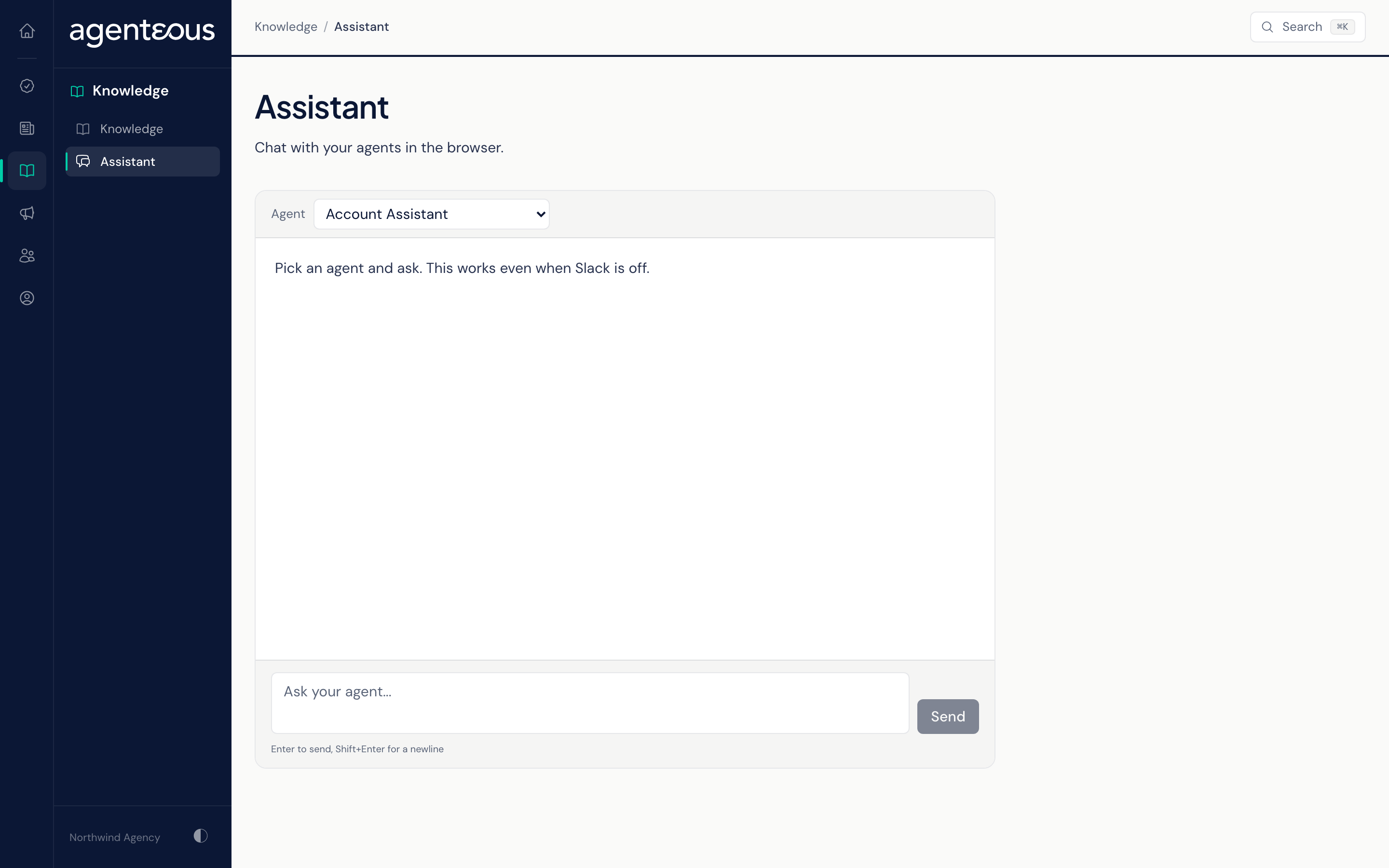
Agent
The Agent list shows every agent that can hold a conversation on your workspace. An agent your operator has switched off does not appear. If no agent is available, the page reads "No conversational agents are available on this install."
Choosing a different agent starts a fresh conversation and clears the screen.
Chat
Type into "Ask your agent..." and press Enter, or click Send. Shift+Enter starts a new line. While the agent works, the page shows "Thinking...", and the full reply appears when it is ready.
Each agent answers from its own instructions and your agency's knowledge base. Two agents can also make a change for you during a chat:
- Marketing Strategist can add a topic idea to your content queue, and list what is already there.
- Marketing Competitor Intelligence can add a competitor to the watch list, and list who is on it.
If you ask an agent to publish or send something, it declines and offers to write a draft you can review instead.
Clear wipes the conversation and starts over. The transcript is shown only in your open browser tab, so reloading the page also clears it.
There is a limit of about 30 messages to each agent per hour. Past that, the agent replies "You've sent a lot of requests recently. Please wait a few minutes before trying again."
When Something Looks Off
- "The agent could not answer. Please try again." means that reply failed. Send your message again.
- "The assistant is unreachable right now." means the page could not reach the agents. Try again in a moment.
- An agent you expect is missing from the list: ask your operator whether it has been switched off.
Who Uses It
- Anyone on the team: ask an agent a question without opening Slack.
- Marketing staff: capture content ideas with the Marketing Strategist as they come up.
- Teams that keep Slack off: talk to every agent from one page.