Principal Assistant
What It's For
This is the operator view of the Principal Assistant, the chief-of-staff agent that works the principal's inbox, meetings and follow-ups. In the Operator Console, under Sales & Meetings, open Principal Assistant. The page is a read-only monitor.
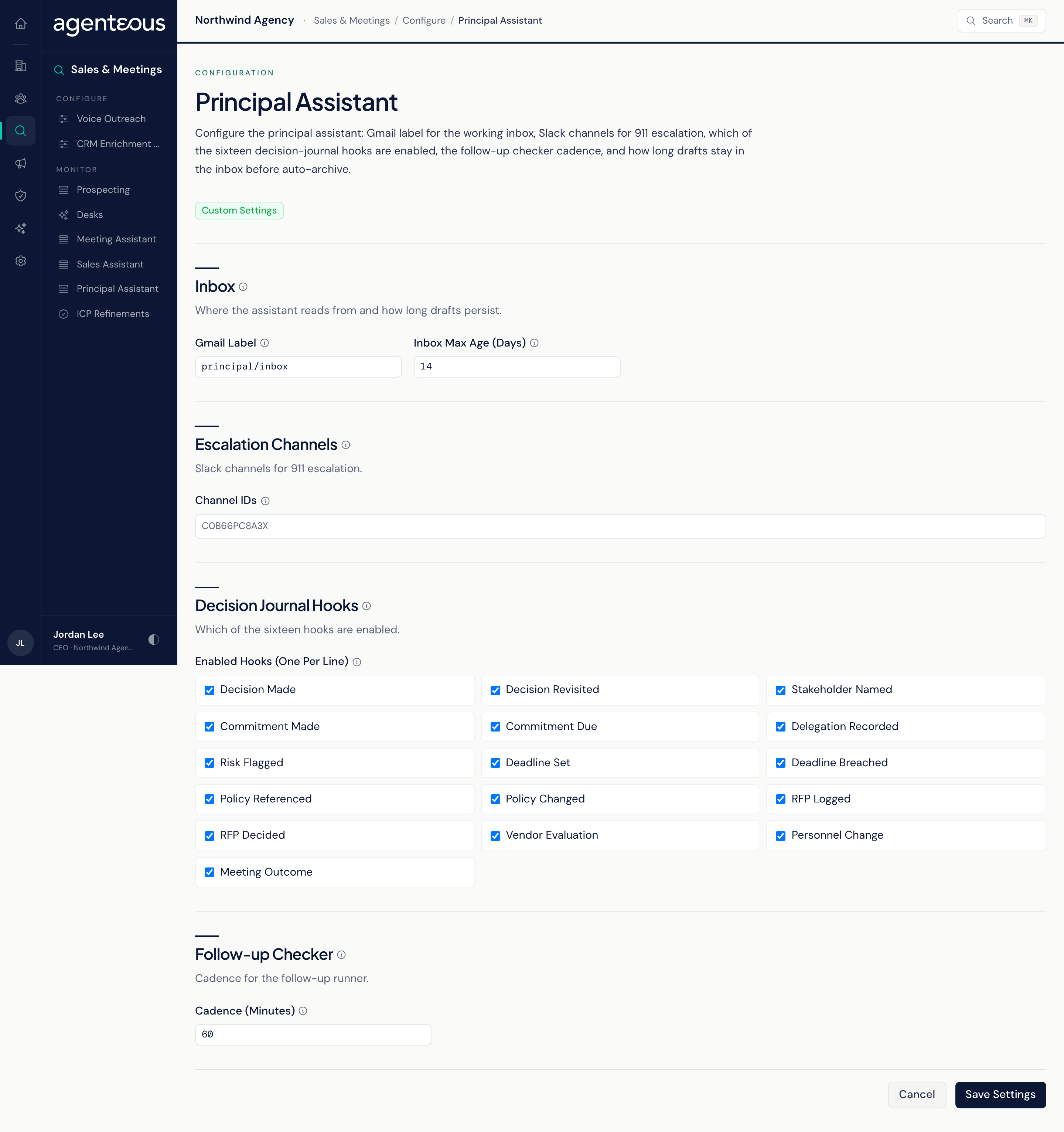
The Principal Assistant reads the principal's mail, drafts replies to messages that need action, processes meeting transcripts, logs decisions and tracks sent emails still waiting on a reply. Monitor is the place to check that all of this is running and nothing is piling up. The decisions themselves happen on the Slack approval card or in the app.
Monitor
A read-only roll-up. Nothing on this tab approves, sends or changes anything.
Drill into the live surfaces
Two links that open the app in a new tab, where you act on each item:
- Open the inbox review page: the Principal Inbox, with approve, edit, reject and archive for each draft.
- Open the meeting intel page: Meeting Intel, with each transcript's action items and decisions, and the option to turn a meeting into a blog post or LinkedIn post.
Activity totals
- Drafts last 24h: reply drafts built from inbound mail.
- Awaiting decision: drafts still pending or edited but not approved. Near zero is normal; a backlog usually means a Slack card was missed.
- Sent last 24h: drafts approved and sent.
- Meetings analyzed last 24h: meeting transcripts processed.
- Decisions logged last 24h: approve, edit, reject and archive decisions captured in the decision journal.
- Awaiting reply: sent threads where the principal asked for something and no reply has come back.
Recent Inbox Drafts
Newest first: Subject, From, Status (Pending, Edited, Approved, Rejected, Sent, Failed or Archived), Created and Decided.
Recent Meeting Intel
Newest first: Meeting, Brand, Created, Promoted and Posted to Slack.
Decision journal
Decisions rolled up over the Last 24h, Last 7 days and Last 30 days, split by where they came from (Approval cards, Slash commands or Manual), plus the five most recent, each with a link to its Slack message when there is one.
Awaiting reply
One row per waiting thread: Subject, Recipient, Waiting and Surfaced (how many times the check has raised it). A thread raised three or more times is flagged Chronic, which usually means it needs chasing another way. The check ran with the retired morning brief and does not currently run on its own, so this table shows the result of its last run.
Component health
The status of each background worker: Gmail inbound poller, Calendar meeting prep, Follow-up checker and Decision journal. Each reads Healthy, Degraded, Stale, Silent or Never run. A component without its own health check shows In development, and a worker that is switched off on your install is not listed. The follow-up checker runs each weekday morning as the principal's daily brief is built, so it is normal for it to show its last run as Friday's over a weekend.
Who Uses It
- The principal and their assistant: check the backlog and the follow-ups waiting on a reply.
- Operations: use Component health when the inbox or briefs seem to have stopped.