Analytics
What It's For
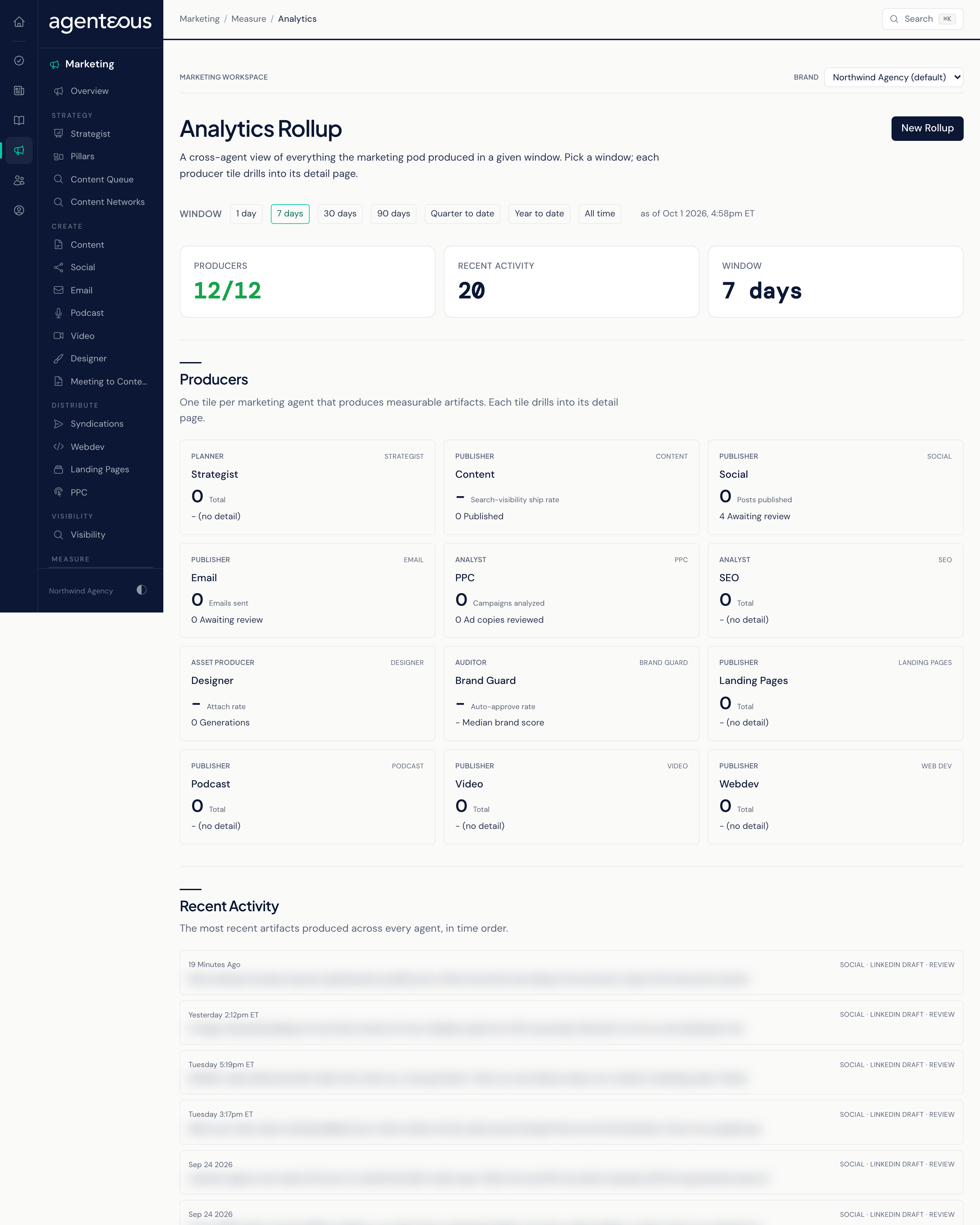
Analytics, headed Analytics Rollup on screen, shows what your marketing agents produced over a time window you pick. Each agent gets a tile with two headline numbers, and a feed lists the most recent work across all of them. It is a live view built when you open it, not a saved report, and nothing on it can be edited.
Window
Across the top, pick the time window the rollup covers: 1 day, 7 days (the default), 30 days, 90 days, Quarter to date, Year to date, or All time. Quarter to date and year to date are handy for client reporting. The page reloads for the window you choose, and notes the time it was built.
The rollup covers the brand selected in the brand picker at the top of the Marketing pages.
Producers
One tile per marketing agent. A line above the tiles says how many producers responded. Each tile shows two numbers for the window:
| Tile | Numbers shown |
|---|---|
| Content | Search-visibility ship rate, and Published |
| Social | Posts published, and Awaiting review |
| Emails sent, and Awaiting review | |
| PPC | Campaigns analyzed, and Ad copies reviewed |
| Designer | Attach rate, and Generations |
| Brand Guard | Auto-approve rate, and Median brand score |
| Strategist, SEO, Podcast, Video, Webdev, Landing Pages | A single Total |
If one agent does not respond, its tile is marked Unavailable and the rest of the page still loads.
Every marketing agent gets a tile, including Brand Guard and Strategist.
Opening a tile shows that agent's Summary and a Metrics table listing every number calculated for it in the window. You can change the window there too, and Open the agent's own workspace to see the individual pieces of work.
Recent Activity
Below the tiles, Recent Activity lists the most recent work produced across every agent, in time order. If nothing was produced in the window, it shows "Nothing in This Window": pick a wider window.
New Rollup
New Rollup opens Build a Rollup, where you choose a Brand (or leave it blank for all brands) and a Time Window, then click Open Rollup. It takes you to this same page for that brand and window.
Who Uses It
- Agency owners and leads: see output across your marketing agents at a glance.
- Account managers: pull quarter-to-date or year-to-date numbers for client reporting.
- Marketing staff: spot which agents have work waiting for review.